DWG-010 · MODULAR DESKWARE · RISD 2024
Honeycomb Desk Organizer
Laser-cut hexagonal modules build reconfigurable storage and display from one repeatable unit.
FIG 01 · SYSTEM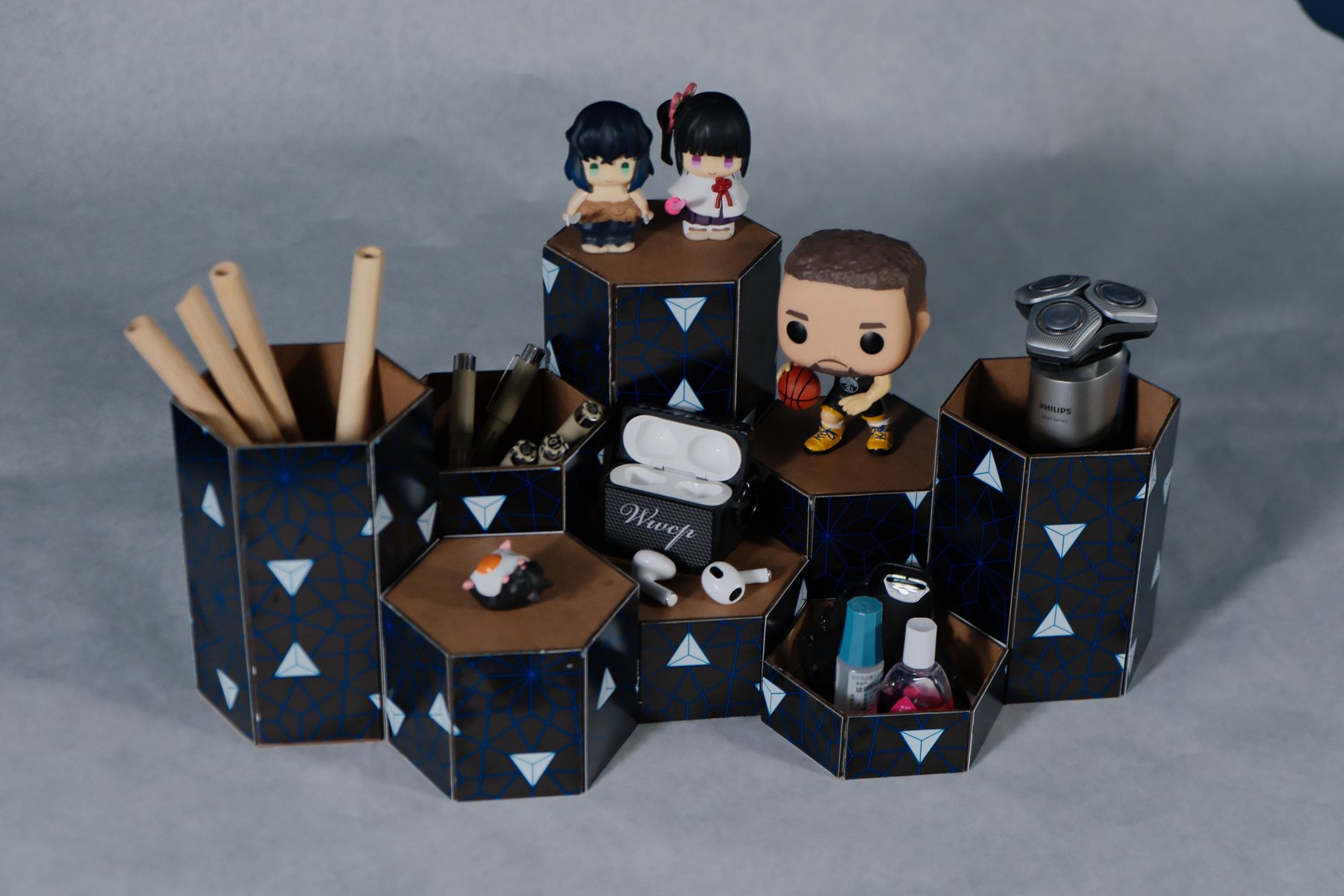
SEC 01
Brief概要
STORAGE AS A RECONFIGURABLE PATTERN
How can one simple unit organize objects of different scales without looking fragmented?
The honeycomb base and staggered heights let users build horizontally or vertically, while adjacent units continue a looping graphic pattern. The system balances storage and display for students and young professionals who want a flexible but visually unified desk.
COURSEEFS DESIGN
FOCUSMODULARITY · PATTERN
TOOLSPHOTOSHOP · LAYOUT
BUILDLASER CUT · ASSEMBLE
SEC 02
A Unit That Connects连接单元
HEXAGONAL GEOMETRY REMOVES A FRONT AND BACK
Every side can become an edge, a neighbor, or a new direction for the layout.
Staggered open and closed faces create different storage depths while keeping the outer footprint compatible. When units touch, the applied graphic lines continue across the seams and visually bind the group.
FIG 02 · CONNECTION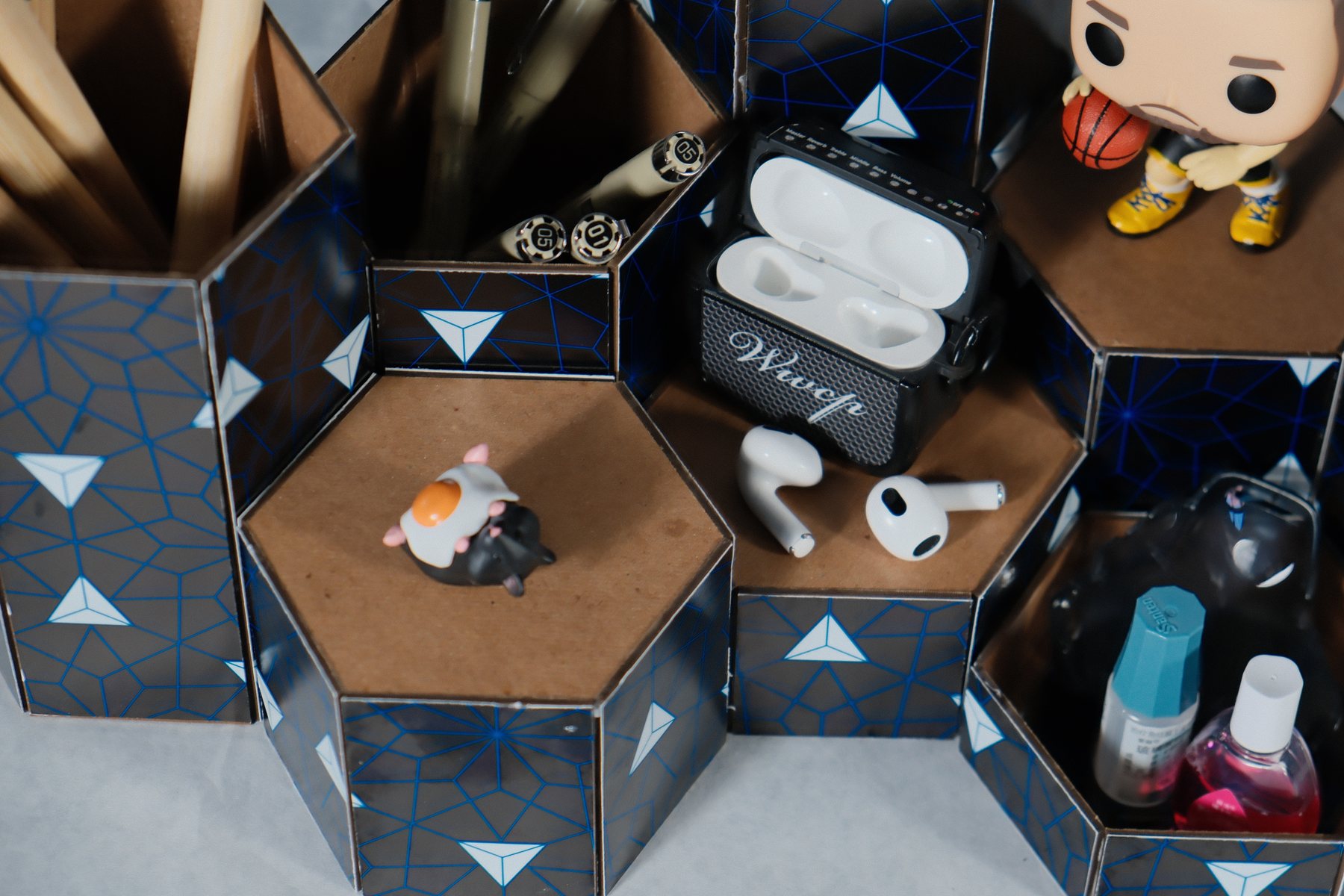
FIG 03 · BASE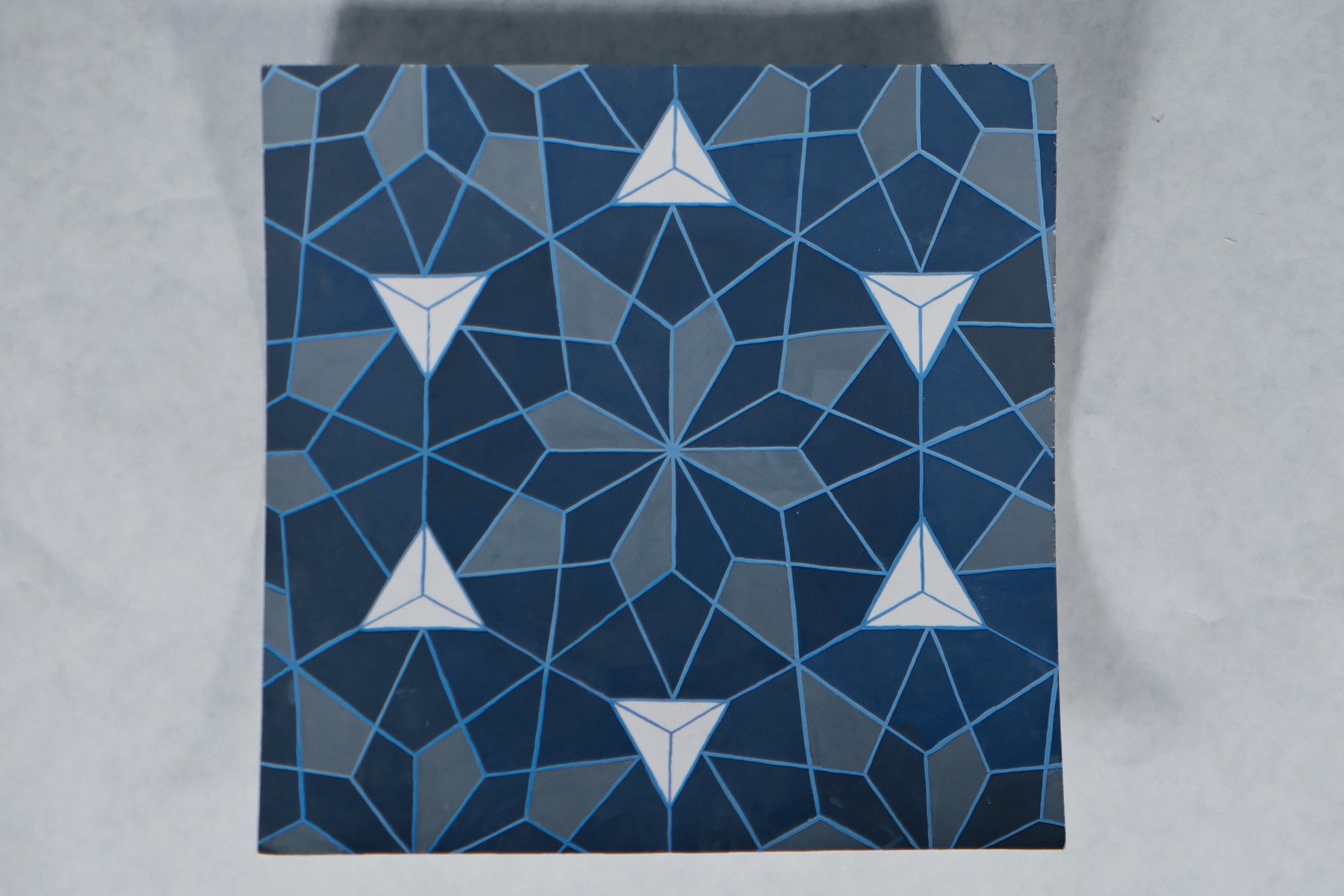
SEC 03
Horizontal + Vertical横向与纵向
FIG 04 · STACK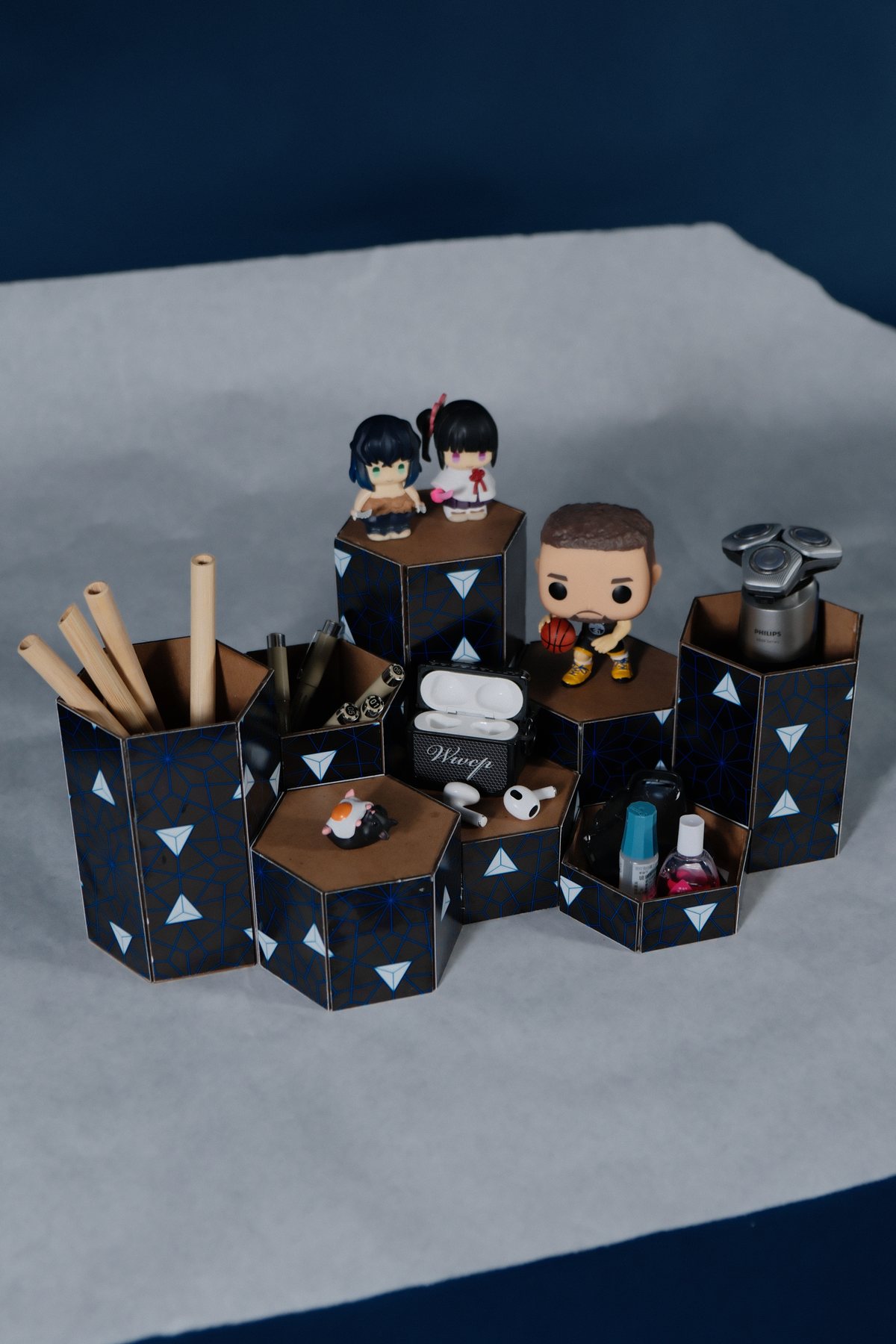
HEIGHT BECOMES AN ORGANIZING TOOL
The same footprint supports pens, small electronics, grooming tools, and collectible display.
Tall modules hold long objects; shallow modules keep small items visible; closed tops become stages. Because these roles share one geometry, the arrangement can change without losing coherence.
TALLPENS · TOOLS
LOWSMALL OBJECTS
CLOSEDDISPLAY SURFACE
FIG 05 · ANGLE
FIG 06 · TOP VIEW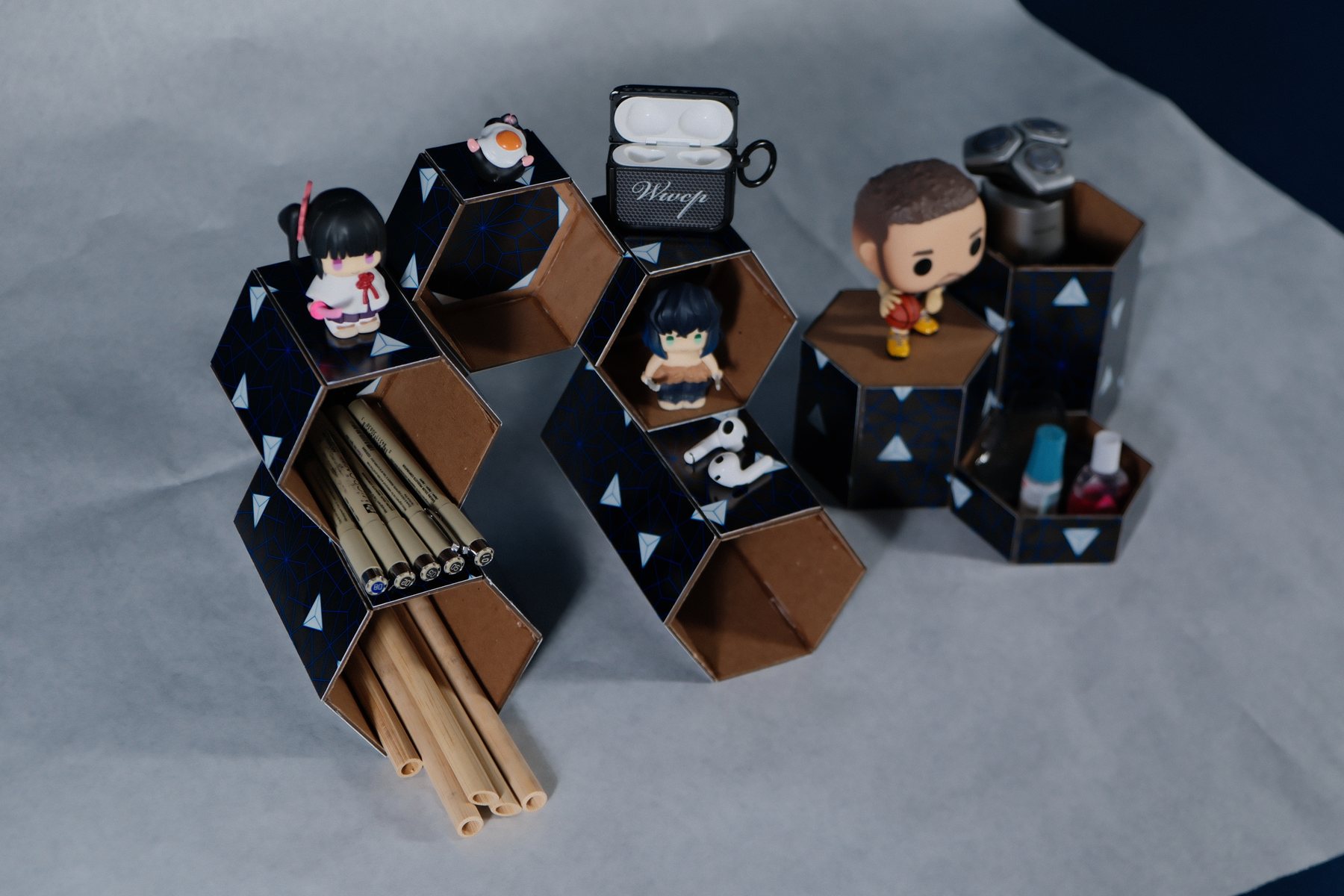
FIG 07 · OPEN CELLS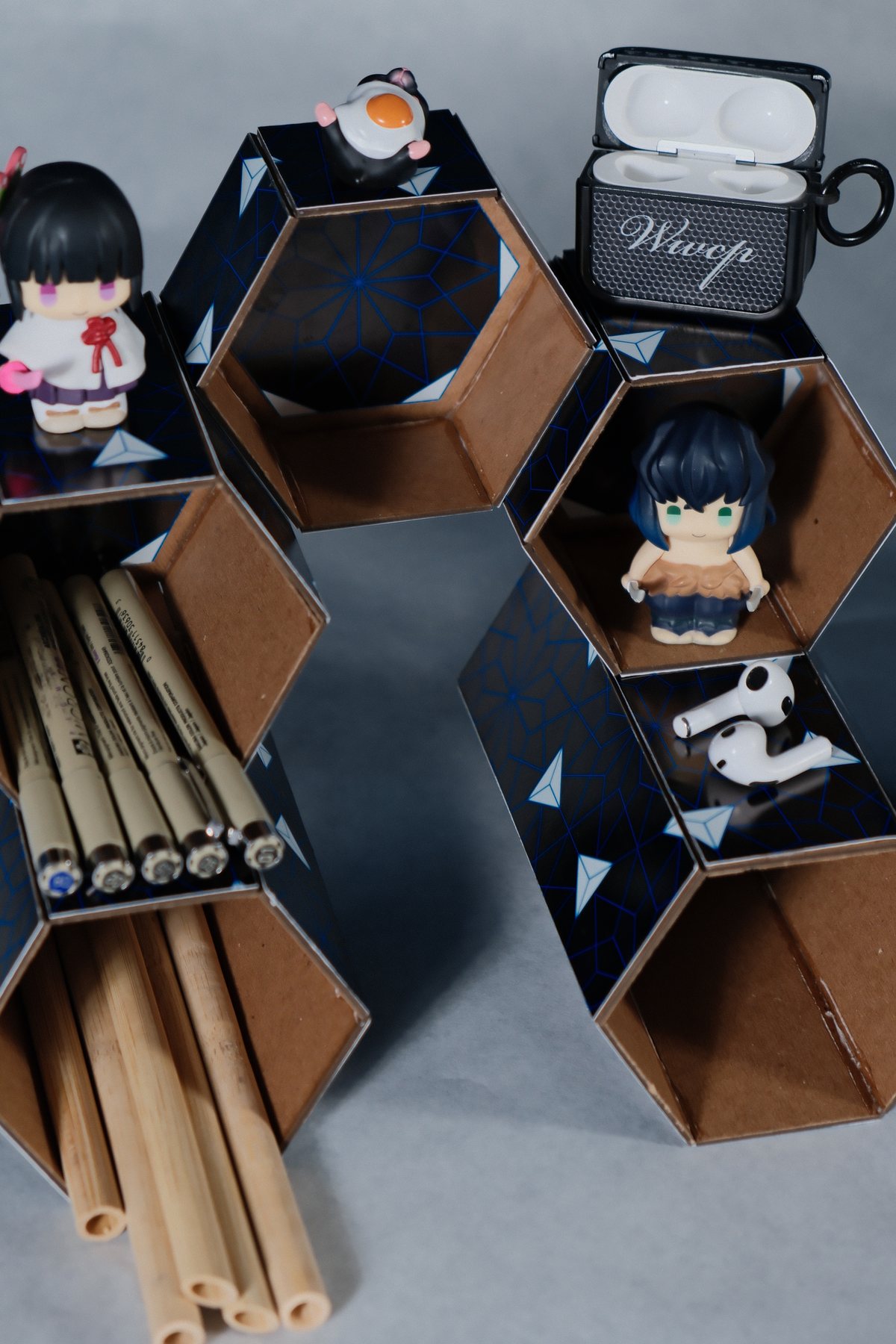
SEC 04
Personal Configuration个性组合
THE SYSTEM STAYS OPEN-ENDED
The user chooses whether the organizer behaves more like storage, display, or both.
The resolved modules support multiple densities and visual rhythms while keeping one recognizable language across every arrangement.
FIG 08 · CONFIGURATION